


Recording and archive
Continuous recording, by motion or by schedule. The archive scrolls like a timeline, with bookmarks and signed export.
Available

Netview brings the video surveillance of shops, warehouses and offices into one program and opens it on your phone.
Netview is video surveillance software from SSN LLC. The server and client run on Windows, with a separate app for Android. Licensing and equipment compatibility are confirmed for each deployment.
Drag the time bar under the wall and all cameras switch to the archive at once.
Version 0.5.241 interface. Site video is obscured in the user guide.
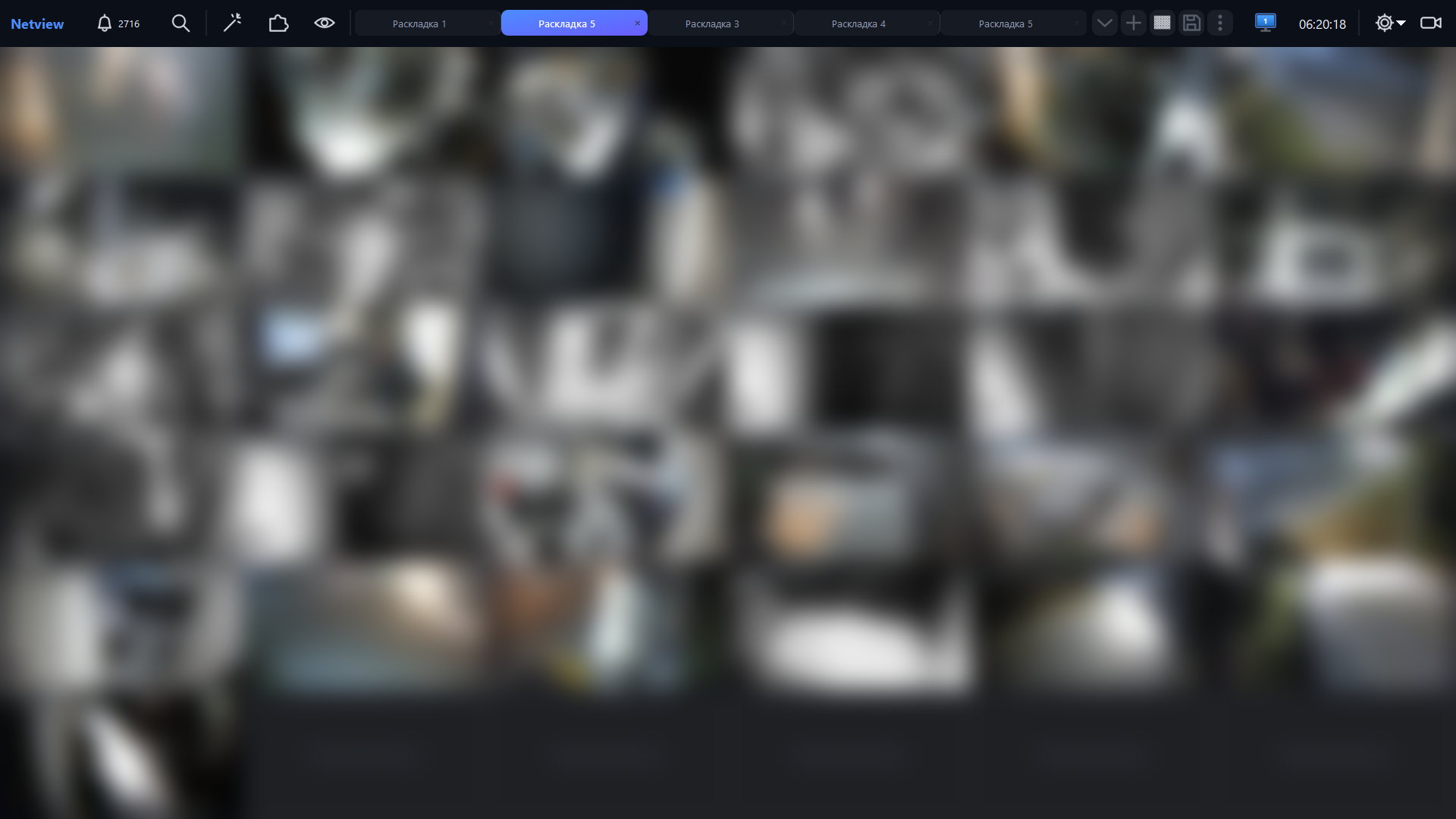
Cameras from multiple servers in one client, saved layouts and support for multiple monitors.
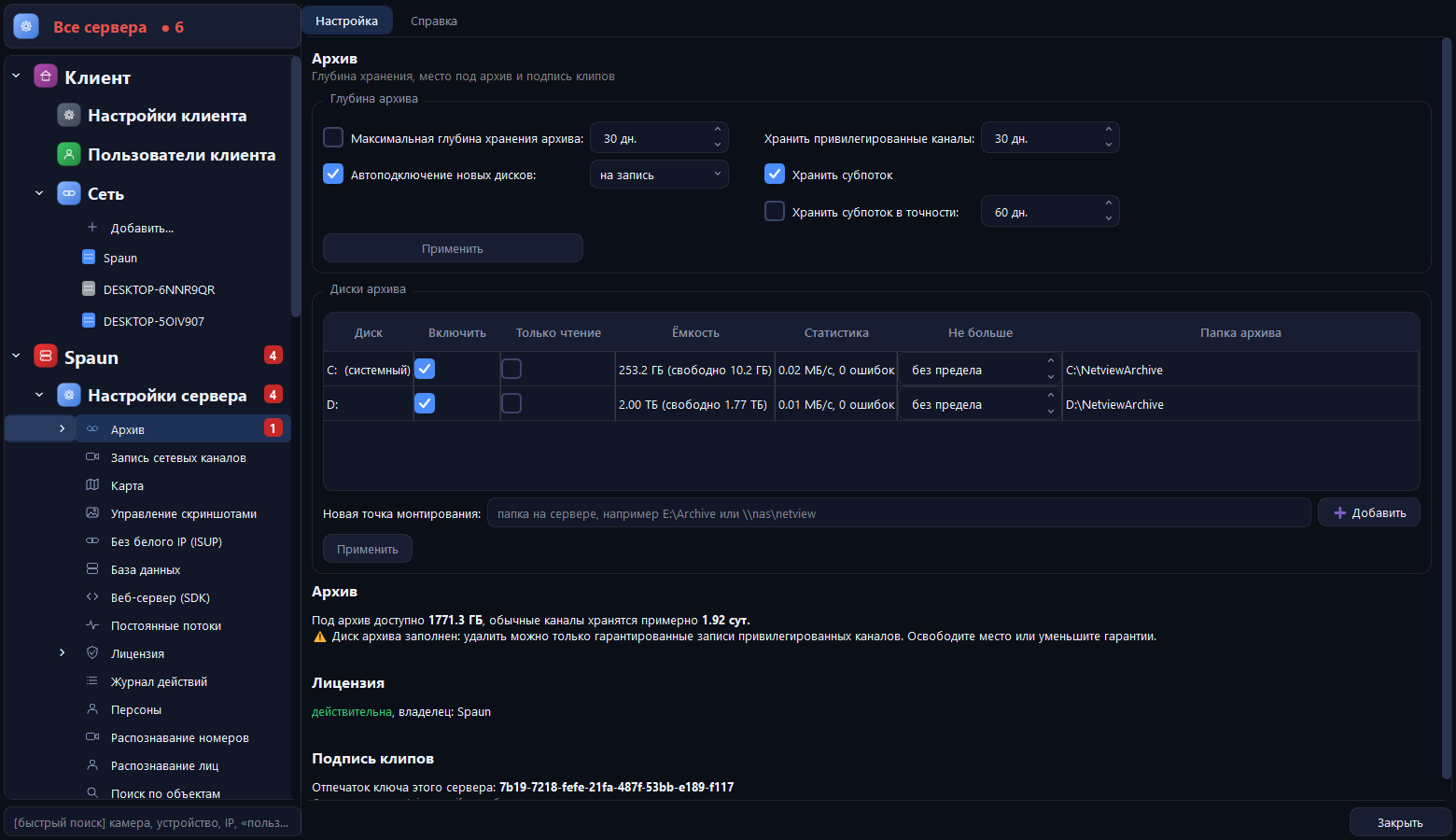
Configure archive retention, recording disks and sub-stream storage. Warnings when space is insufficient.

Camera, disk, database and server status in the main panel. Warnings help identify the cause.
The base program records and shows video. Everything else is added by licenses for your task.
Continuous recording, by motion or by schedule. The archive scrolls like a timeline, with bookmarks and signed export.
AvailableDozens of cameras on one screen with hardware decoding. Layouts, digital zoom, sound, PTZ.
AvailableSeveral sites in one program: a single operator sees the cameras of all servers.
AvailablePython automation and a rule builder: a camera event triggers an action, a message or an alarm.
AvailableThe receipt is overlaid on the checkout video. Suspicious operations are highlighted and raise an incident.
AvailableDevices, channel names, layouts and users carry over; no need to change hardware or licenses.
BetaPlates, white and black lists, entry events. Needs a camera set up for plates.
BetaA people database with photos, identification in the stream, name on video. Good for checkpoints and VIPs.
BetaEntry and exit count, people in a zone, queue with a threshold, "workplace is empty".
BetaRecording is encrypted with a key: a stolen disk is useless without the password.
BetaAn e-mail with a camera snapshot by rule, and events in the client and on the phone. Telegram support is being verified.
AvailableTV, movies, menu and bill on the in-room screen. A Netview module, currently being designed. More on the IPTV page.
In developmentPay for the cameras and recorders you have. Analytics is added separately and only where needed.
AvailableParking management: two barriers, its own payment terminal, exit with a receipt for supermarkets. Coming soon.
In developmentNetview does not transcode video when recording: the server writes the camera stream as is. So the main calculation is disk and network; the processor serves the interface, the archive and analytics.
How we calculate: the bitrate ceiling of a typical camera (Hikvision and Dahua defaults) × codec × frame rate. Average VBR is below the ceiling: on our channel we measured 18.3 GB/day against a 22.1 ceiling (about 83%), and a 640×360 sub-stream wrote 2.1 GB/day. 10% reserve for service data and uneven load. The real stream depends on the camera and scene, so after installation Netview shows the measured bitrate and an archive-depth forecast. Calculate for your project.
Watch live video and the archive, browse events and control PTZ cameras from your phone. Sound in the archive works too.
http://server-address:port/m/ in the phone browser and add the page to your home screen.Link a Netview server to your account and watch cameras from a browser and from your phone. Camera passwords stay on your site. The service is in development: leave a request and we will tell you when it launches.
Tell me about the launchCameras, recorders, access control, networking and Netview licenses with supply and installation.
Open catalogDownload NetviewNeed installation, equipment or software? Describe your property and requirements, and we will suggest the next step.
Or call us: +374 98 333 257 · info@ssn.am